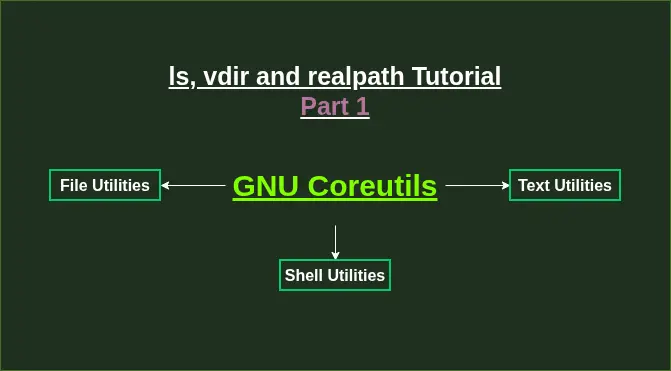
Let's understands the working of ls, vdir, and realpath, Coreutilites. GNU Coreutilties are the collection of numerous unix-based shell commands developed by GNU Project that provide essential file, text and shell based manipulation techniques and features.
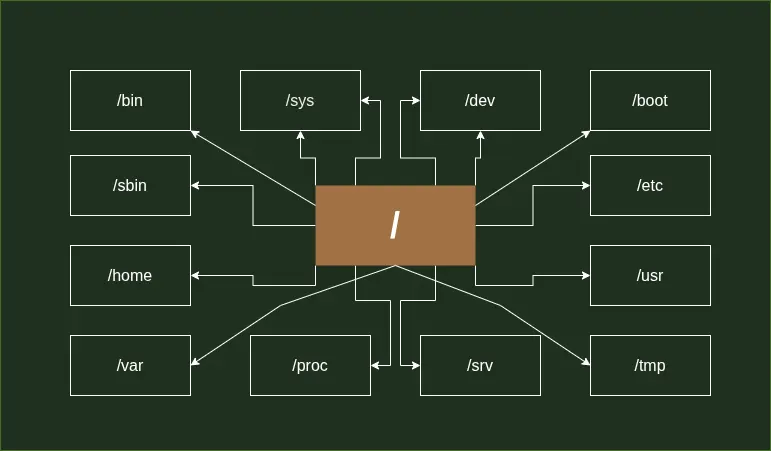
Let's demystify / directory on your Linux System. Now you won't feel overwhelmed when you look at the different directories and ponder what purpose they serve on your system.
The main avatar image can show responsiveness by showing separate images for dark and light themes. You can achieve this by using custom CSS rules.
How to monitor your Thinkpad battery health on your Linux system, and limit how much charge it will take to protect your battery from degrading rapidly over time.
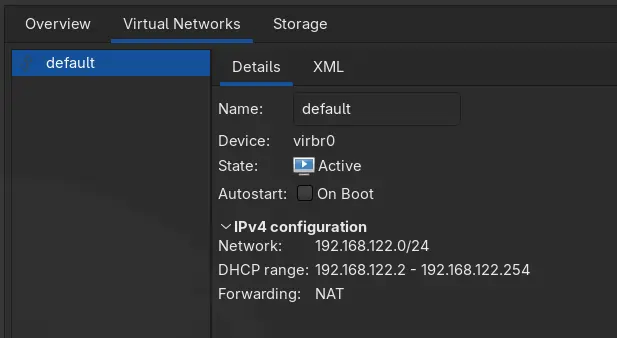
When you install KVM/QEMU based Virtual Machine on your Arch Linux system, sometimes your internet doesn't work inside the VM, almost always your host OS firewall is at the fault.
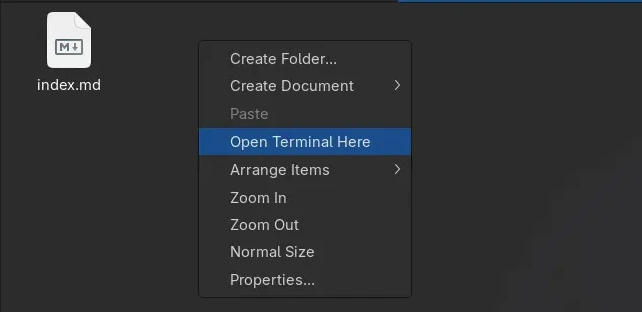
Open any terminal via Open Terminal Here, from right click context menu of Thunar File Manager.
A multipurpose set of CLI tools to convert and edit over 200 image formats via single or batch operations.
If you want to make your Fedora install feel faster in package installation and upgrades, with maximum codecs and hardware video acceleration support, install some useful apps, and fix gtk3 theming issue, this guide is for you.