Add the following line to the helpers.rc file in the ~/.config/xfce4/ directory, if the file doesn’t exist, create a new one.
TerminalEmulator=alacritty
Confirm via terminal by running this command:
exo-open --launch=TerminalEmulator
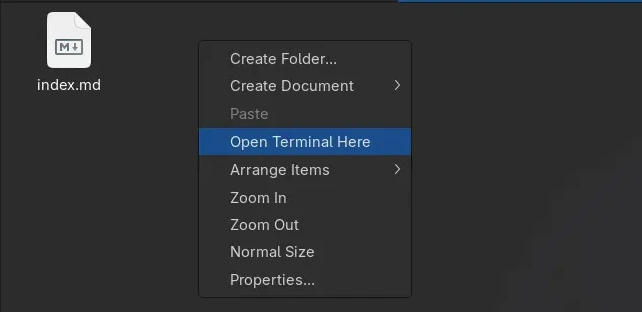
Or right click anywhere in your Thunar File Manager window. Then click Open Terminal Here, it should open the current directory in your terminal of choice, it’s alacritty for example given here.
References
- Thunar: Open Terminal Here — ArchWiki