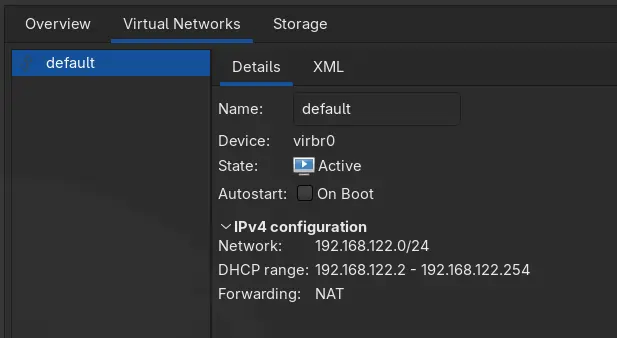
If you disable your firewall (UFW) and the Internet inside your QEMU/KVM virtual machine starts working again, then you’re at the right place to fix it.
If your internet doesn’t work even after disabling the Firewall, there might be something else wrong with your VM’s network connection, and research online for specific answers.
Let’s allow forwarding for the virtual bridge by editing /etc/ufw/systcl.conf:
sudo nvim /etc/ufw/sysctl.conf # OR use nano for editing
Add or uncomment the following lines:
net/ipv4/ip_forward=1
net/ipv6/conf/default/forwarding=1
net/ipv6/conf/all/forwarding=1
Edit the default UFW config:
sudo nvim /etc/default/ufw
Set the following option:
DEFAULT_FORWARD_POLICY="ACCEPT"
Add firewall rules to allow all incoming and outgoing traffic on libvirt network:
sudo ufw allow in on virbr0
sudo ufw allow out on virbr0
You are all set, just reload the firewall to apply those rules:
sudo ufw reload
Turn off the Virtual Machine, and start it again, now your Firewall won’t block your VM’s Internet Connection.
References
- QEMU-KVM in Arch Linux — Install Virt-Manager on Arch Linux